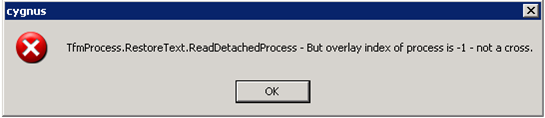
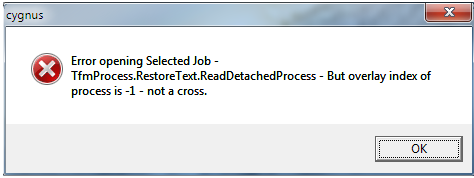
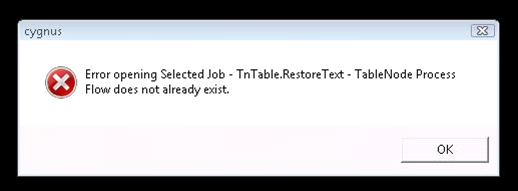
The “restore.text” may imply that the process flow of the job has become corrupted. Close Cygnus and navigate to the job folder in here you should have a set of ‘job.ECFxxx’ files where xxx represents three digits.
One by one remove these files from the most recent to the oldest, opening Cygnus each time; you should find one of the ECF files is ‘good’ and will allow the job to open.
Please do not delete the files simply move them to a temp folder as if this fix does not work we will need them later.
Or… (in more extreme cases)
Ensure ECFs have been replaced.
Close Cygnus and then re-open Cygnus and the job. The process-flow will probably not be available so navigate to ‘View>Process-flow’ which will force the process-flow to appear. Once it has appeared create a Splerge on any output and click through any errors that you come across, you might notice there will not be an output, when all the errors gone ‘Save> Close’ the Splerge. After the Splerge is closed proceed to close the job (you may have to crash out).
Re-open the job and the Splerge you created should still be there. Delete the Splerge you created and close the job again. Then re-open the job again and create another Splerge, this time it should open without any errors and you should notice an output is also visible and the job should be good to go.
0 Comments