This article only has relevance to an Embedded Suppressions system.
The single remit of the Embedded Suppression system is to control suppression hits and permanent flags in such a way as to satisfy the user and the suppression dataset providers.
The providers require guaranteed revenue protection in return for vastly reduced annual licence costs to the users. The users require minimal fuss over suppression dataset updates and reporting counts.
The solution has been the charge-stick. The charge-stick is heavily encrypted and protected and provides the means to hold all counts.
Contractually, the users must supply a submission file once a month so that invoicing can take place. There are no exceptions to this. All users must complete the submission/acceptance cycle or cygnus cannot run.
What follows is a detailed description of the Submission/Acceptance cycle.
Utopia
On the 1st of every calendar month, or more accurately, the 1st day that cygnus is opened in any calendar month; a submission file is automatically generated.
The following message box will appear on the screen of the user generating the file.
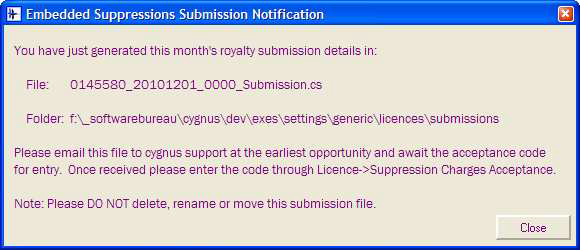
Note that the message box does not need to be acknowledged in any way. This means that a command line job will not be held up by this information box; moreover, this is true of all message boxes that spring up concerning Submission/Acceptance.
The message tells the user 5 things:
1. That the submission file has been generated.
2. What the file is called.
3. Where the file resides.
4. What to do with the file; which is to email to cygnus support and await an acceptance code.
5. Not to muck about with the file in the mean time. If the submission file is removed then another will be automatically generated. There is no getting away from the submission file.
The submission file will be placed in a sub-folder called Submissions under Generic\Control resources for a shared charge-stick or under the Generic\Licence folder at system level.
After the submission file is generated the folder in question will look like this:
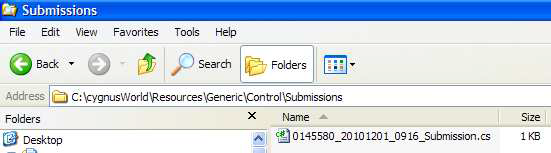
The Licence menu will reflect the fact that we are in ‘Acceptance Mode’ and will repeat the
submission file path:
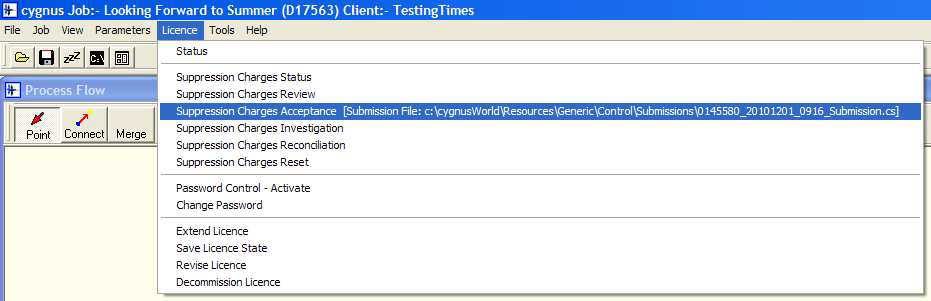
The information box on the screen can be closed and for the rest of the day of generation no repeat message will be displayed. This is to allow the user to do as requested without causing annoyance.
Assuming all goes to plan then cygnus support will have received the submission file and will issue the user an acceptance code.
The user will select ‘Suppression Charges Acceptance’ from the Licence menu hierarchy. This will force a dialog box that allows the user to continue or cancel:
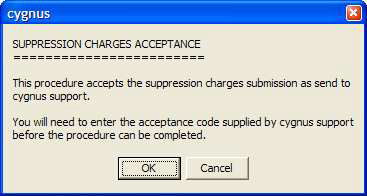
Assuming continuation, then another dialog box is displayed that prompts for the acceptance code:

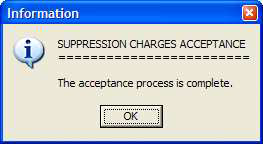
If entered correctly then a confirmation box is displayed:
But if the wrong code is entered then the following message is displayed.
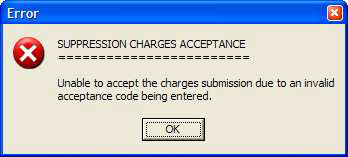
In this case cygnus remains open but the status remains one of in ‘Acceptance Mode’ i.e. a valid acceptance still needs to be made.
However, assuming a successful acceptance procedure the Submissions folder will look like this:
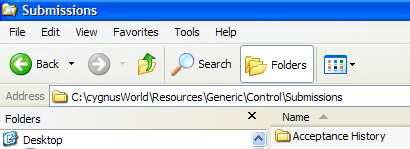
The submission has been removed and placed into an Acceptance History sub-folder. This new sub-folder will look like this:
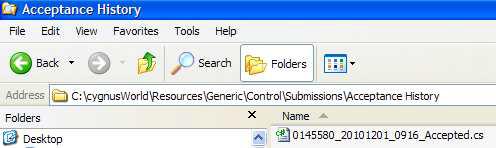
Of course over time this Acceptance Folder will fill up.
The Licence menu will change to indicating ‘Submission Mode’ i.e. ready to make a submission.
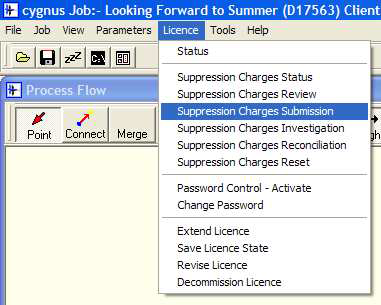
That is the perfect cycle – all done and dusted in an hour.
Dystopia
Some users like to make life interesting for themselves by not following the instructions. So, let’s assume that the submission is not sent to cygnus support as requested.
On the 2nd day after the submission file was created the following message will be displayed upon opening a job or opening a Checkout module:
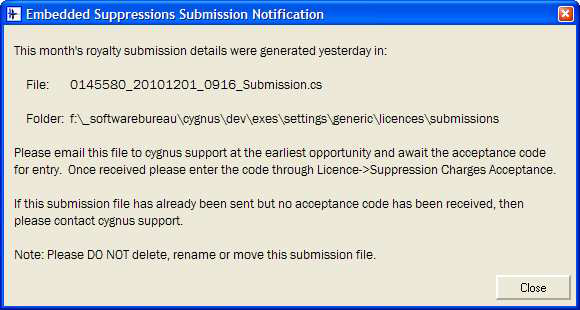
As is the case for all these messages, they can be left open without affecting the running of cygnus.
If nothing happens on day 2, then the messages continue every day. On the 3rd day (2 after submission generation) the user will get the following message box:
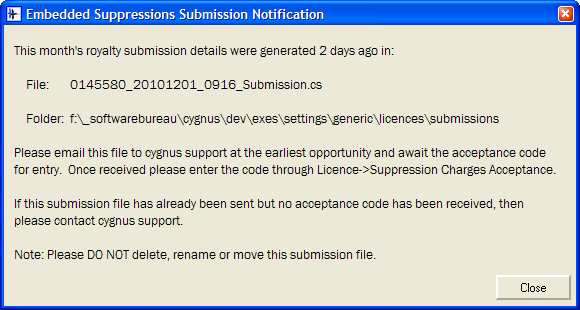
After 5 days, if nothing has happened the messages get a little more colourful. Hopefully not too aggressive or menacing.
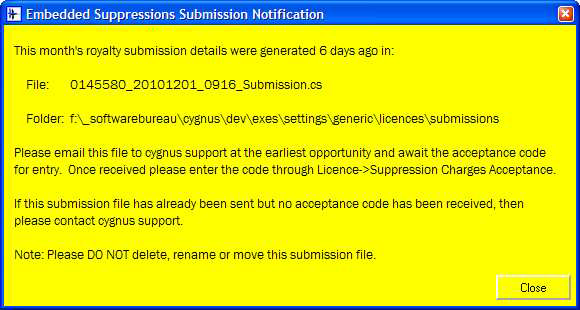
If we get past 10 days without receiving the submission file then the message becomes:
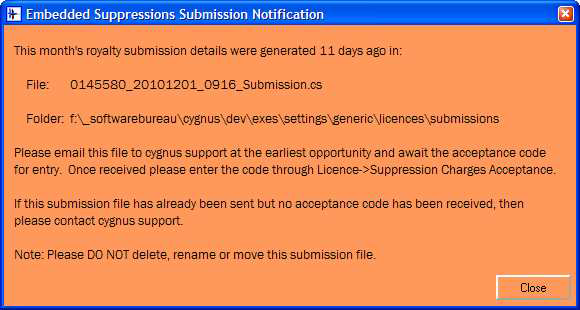
After 15 days we are getting concerned and the message becomes more aggressive but also with additional text indicating the serious nature of the problem:
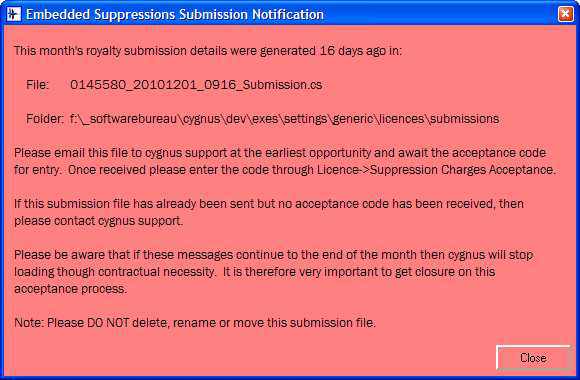
This message will continue right up to the end of the month every time a job is opened or a Checkout module opened. This is not designed to annoy users but it is there to remind and encourage users to complete the cycle as early as possible; after all it will have to be completed eventually.
At any time an acceptance process can be made and all is forgotten. See acceptance process described earlier.
However, if we get to a new month without the submission file being sent to us then the acceptance process is forced. This final call to reason will either result in the acceptance being made or cygnus closing down i.e. cygnus is dead without a valid acceptance.
Note the warning text mentions ‘contractual necessity’. It should be noted that The Software Bureau is contracted to sending invoice out to all users and to pay the dataset providers within a 30 day time frame. Cygnus support can do nothing to help users over the acceptance cycle except process the submission file. The simple truth is that the situation is entirely in the user’s hands. Send the submission file and the messages stop. Don’t send it and eventually cygnus will not load.
Ad Hoc Submissions
Ad hoc submissions can be made at any time by the user in order to satisfy their invoice points. However the rules remain the same as for schedules submissions. The acceptance must be done in the same calendar month.
Also note that if an ad hoc submission is done right at the end of a month then maybe only a matter of days later the automatic submission will be made.
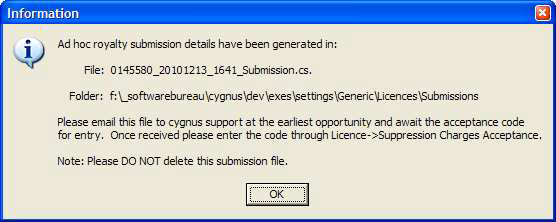
Below is the information message that an ad hoc submission generates:
0 Comments