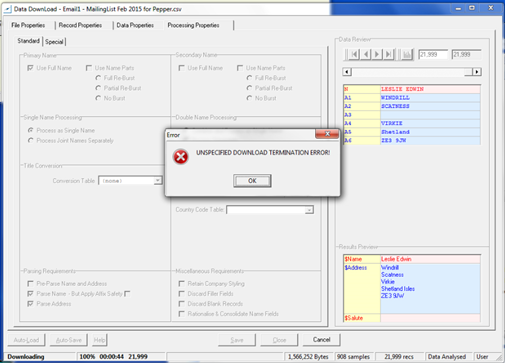
I believe we have found the setting causing the issue. It is the Reject code setting found in Master>Royal Mail Sort>Run Time – General Settings. You currently have this set to blank but the default is ‘00000’. Every time I loaded Cygnus with this setting set to blank I got the variety of download errors that you saw however if I set it to a value and re-load the errors stop. When you change the setting you will need to re-load Cygnus for it to take effect.
Can you navigate to 'Tools > Options > Master > RMSort > Run Time - General Settings > Reject Code' and confirm if this is populated please? If it is not populated, the default is 00000.
Once you have populated the setting close and save it. Let us know how you get on, if unsuccessful, please the below option.
Other possible line of enquiry:-
There was an incident where there was a conflict of resource locations and produced the same error message. One user was local and the other on the network.
Investigate version(s) "… Resources\cygnus???" is there a folder that matches the current version you are using?
0 Comments