How to import a Fixed Width file into Download module:On the File Properties tab, Select 'Flat Fixed' in the 'Data Formats' section.

Click 'Next'
Click the 'Guess Next Field' icon  until it greys out.
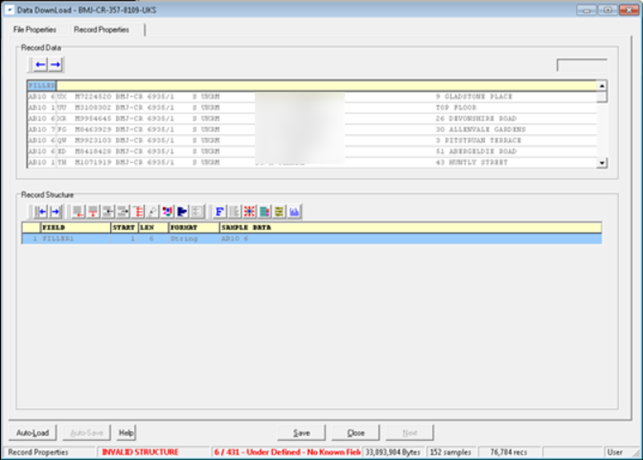
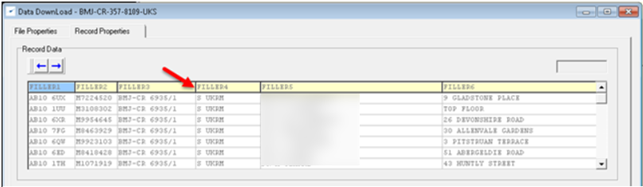
Then go through and adjust the fields by either moving the field separator or via adjusting the 'Start' and 'Len' parameters

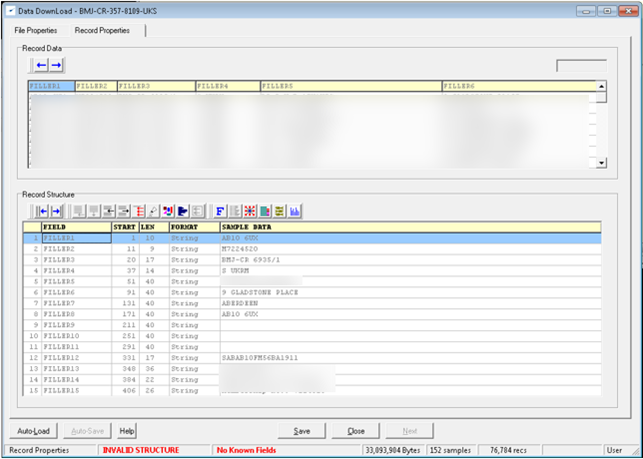
Below is how it ended up, please double check this and name the fields as you require. You can then continue with the download as normal.
0 Comments