Dedupe/Purge/Start up
1. 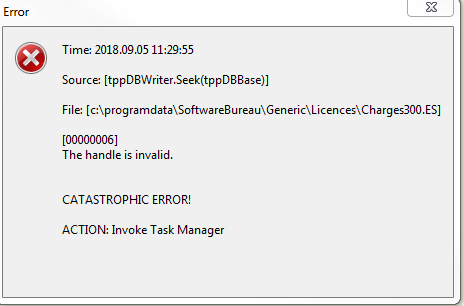
Try restarting the machine Cygnus is installed on first but if that does not work ensure Cygnus is closed and navigate to location displayed in the message.
C:\ProgramData\SoftwareBureau\Generic\Licences
Once there, rename or move the Charges300.ES file from the folder and restart Cygnus.
Let us know how you get on.
Suppress/ Trace
2. 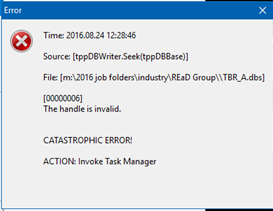
There has been a different variation of this error found where accessing the industry files. It was found that 2 Cygnus installs had different directory paths set-up for the suppression files. The differences were in the BASE directory settings, although the final paths were actually pointing at the same files.
It was also highlighted that there was a permissions issue to the datasets folder when the upgrade was run.
To resolve, follow the below instructions:
You will need to open your previous version of Cygnus and change the drive letter to your Datasets, navigate to ‘Tools > Options > System > Directories > Root Directories > Root DIR Datasets {d}
You need to ensure that you match the current datasets location. Change the datsets to e.g. C and save the change in your current version of Cygnus.
For example, if your datasets path is “U:\_Cygnus\Datasets\” change it to “C:\_Cygnus\Datasets\”
Once done rerun the Cygnus upgrade.
Splerge
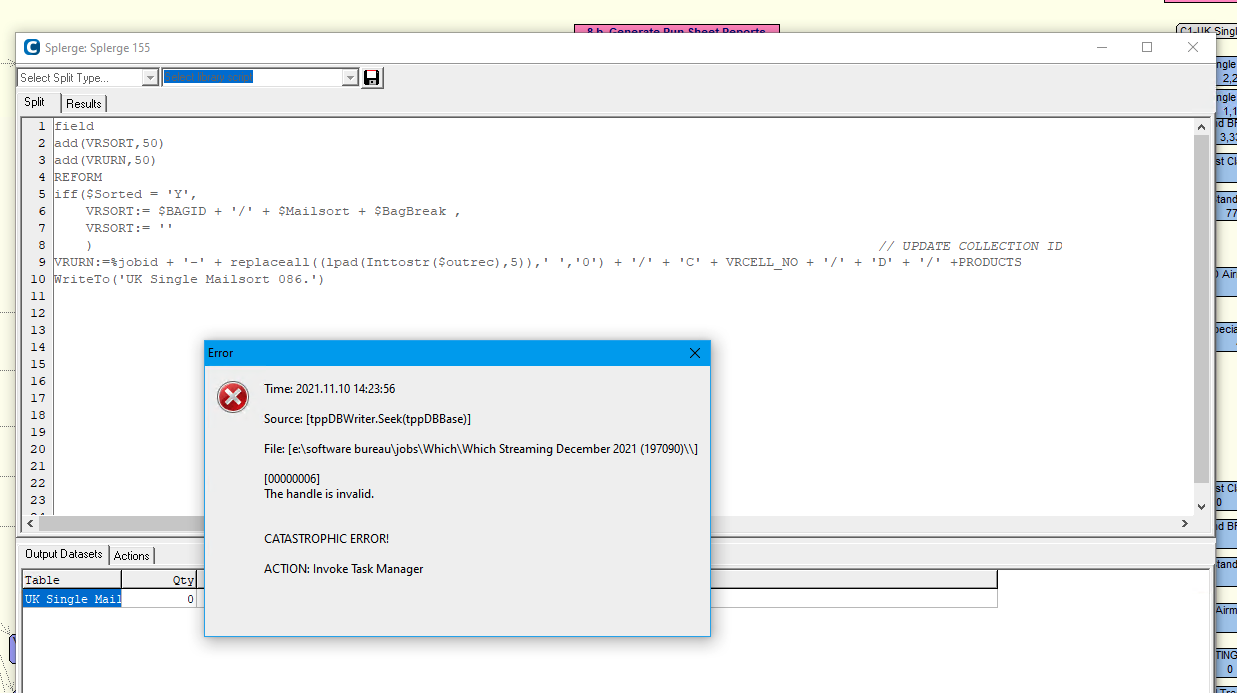
Delete and recreate splerge.
0 Comments