Step1
Download and install the Postgres ODBC Driver – must be the 32bit version as Cygnus is 32bit
Step2
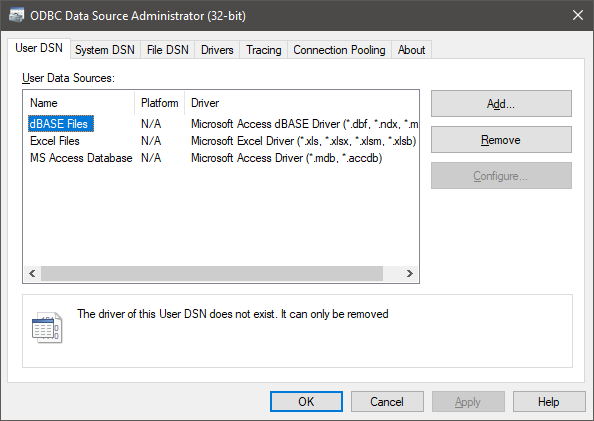
Open up the ODBC Manager – must be the 32bit version
Step 3
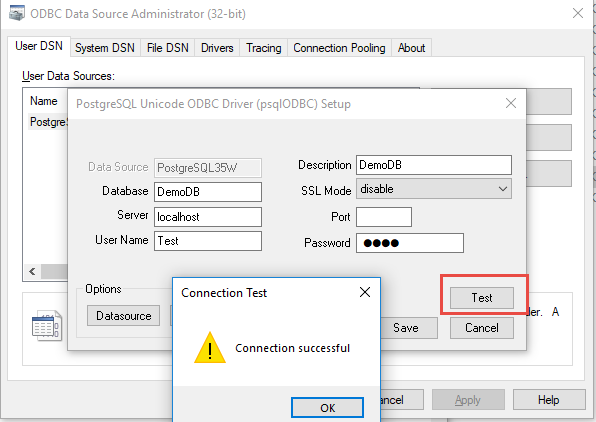
Click Add on the User DSN tab, select PostgreSQL Unicode, configure it and test it!
Step 4
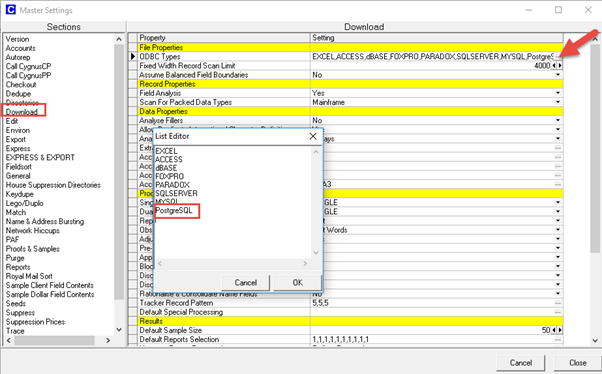
In Cygnus go to Master Setting and edit a Download setting to included PostgreSQL (changing this will allow a user to now select PostgreSQL as an ODBC option in Download else the option is greyed out)
Step 5
Create a new Download and double click it, select ODBC
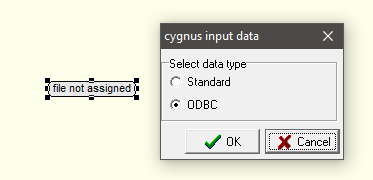
And go through the resulting wizard
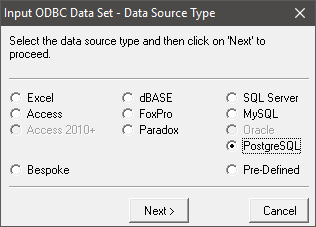
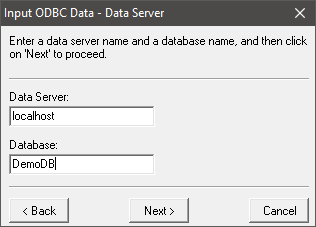
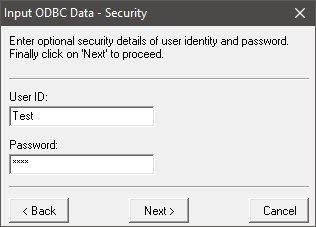
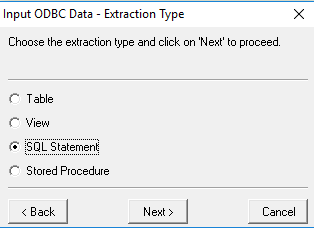
Note: I was only able to get SQL Statements to work, I’m sure a PostgreSQL expert will know how to get the other options to work…I got a CATALOGUE CREATION FAILED! Error when I tried to use the Table option
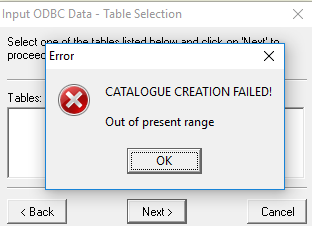
Select SQL Statement
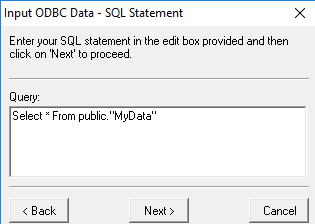
Enter a statement
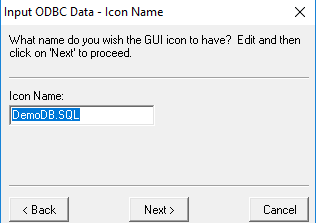
Give Icon a name
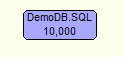
Go through the remaining steps…and download done!
0 Comments